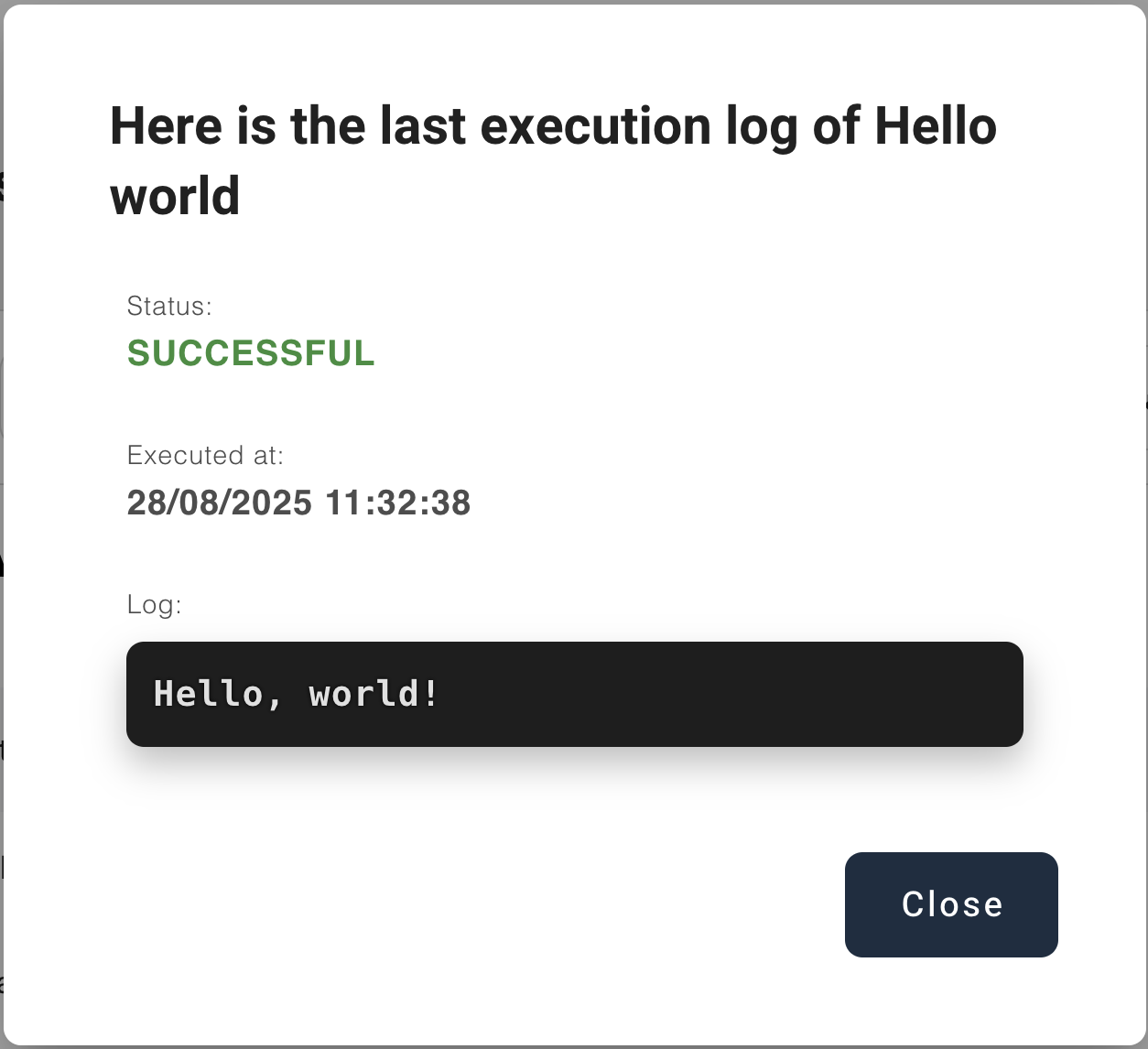
Hello World
Follow these steps to run a simple PayScript to see it print a message to the logs. We will use the sandbox environment to deploy a script, create an automation and run it.
trigger = "on_demand";
logMessage("Hello, world!");
The first line defines an on-demand trigger, which is a type of trigger that can be run manually by pressing a button. The trigger definition can be considered anologous to the entry point in other languages.
The second line calls the built-in function logMessage to display the message on the logs.
1. Download the script
You can download the hello world script from the example scripts page. Alternatively, you can copy the code and save it yourself. Make sure it has the .groovy extension.
2. Deploy the script
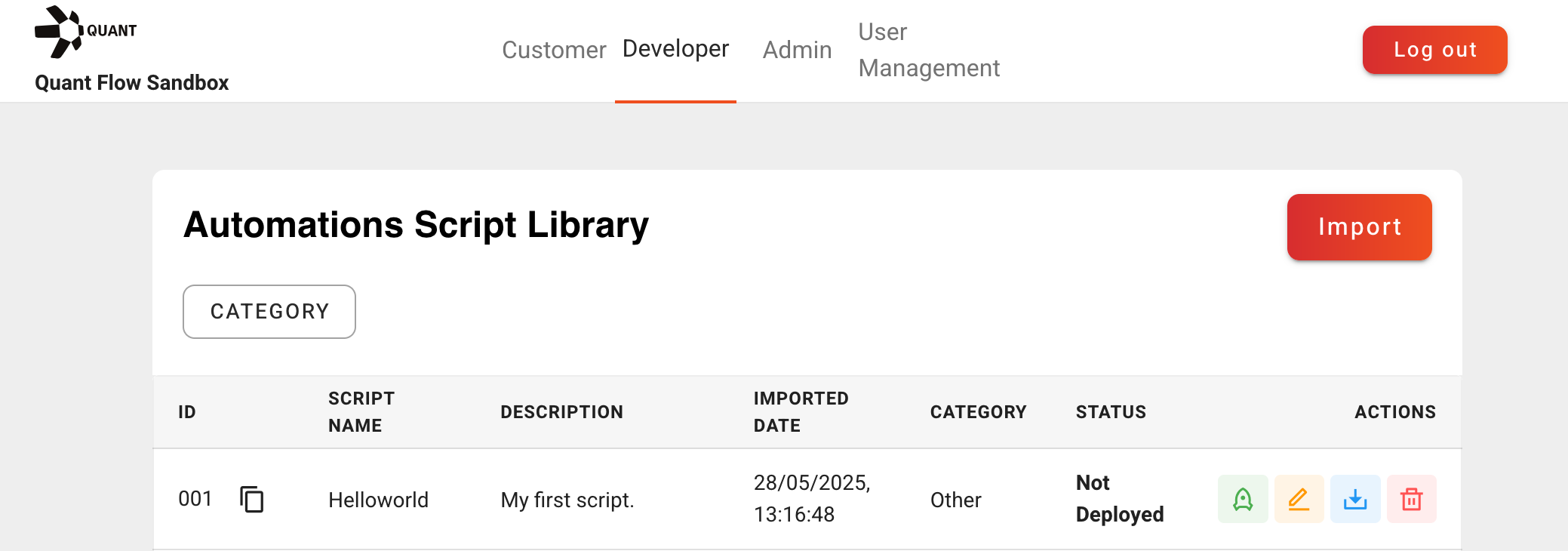
In the developer tab of the Sandbox, import the script through the import button. You will be prompted for a name and description, category, and the file itself. The category is merely descriptive and organizational, so for now you may select “OTHER”.
Once the script has been imported into the Sandbox, it needs to be deployed. You can do this by clicking the green rocket button under the “ACTIONS” column. You should see the script’s value in the “Status” column change from “Not Deployed” to “Deployed”.
3. Create an automation
Select the customer view from the top tab.
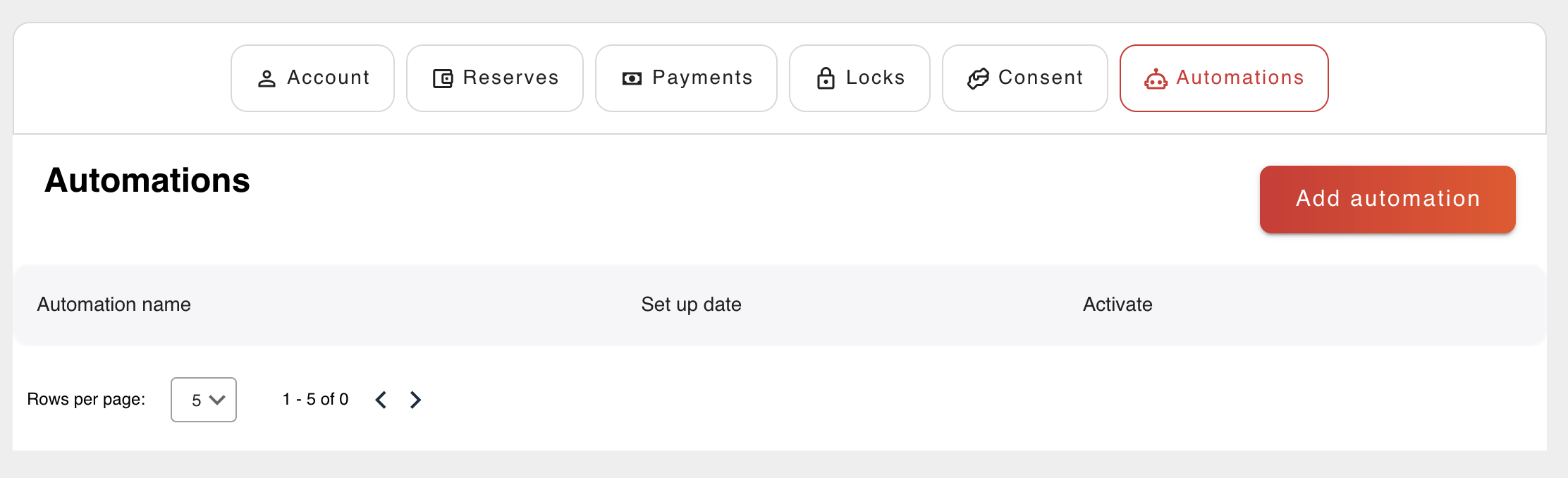
Go to the Automations tab and click the button to create a new automation.
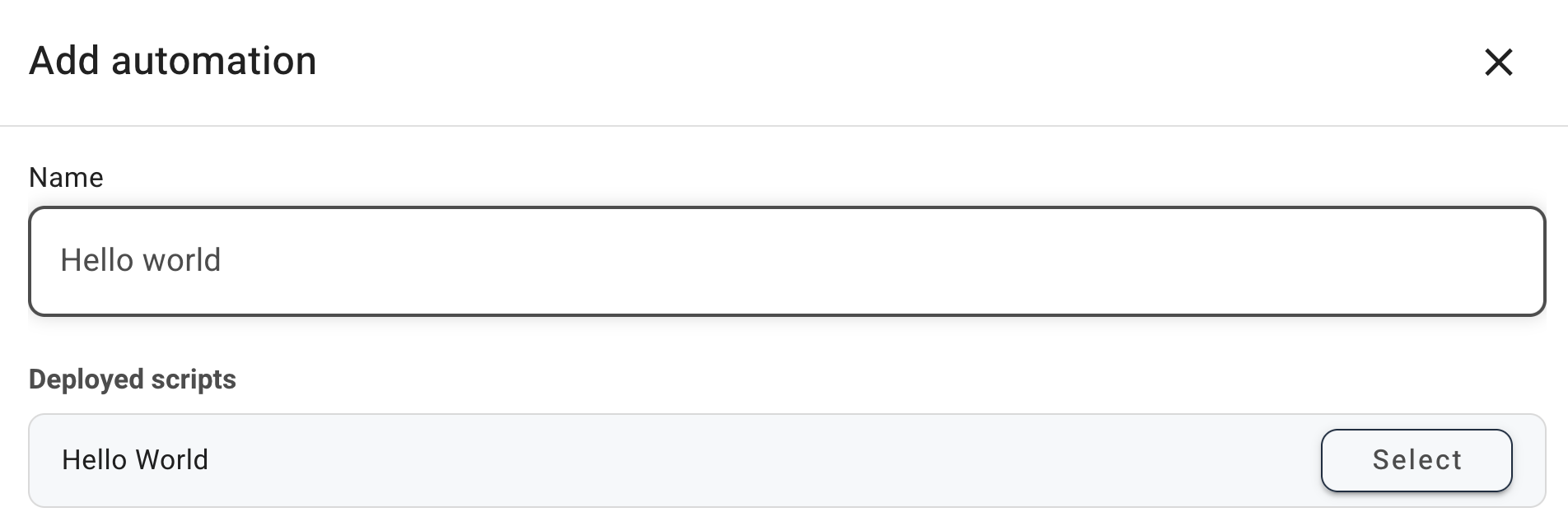
Name it “Hello world” and, on the next page, tick the Activate Automation on Save box before submitting.
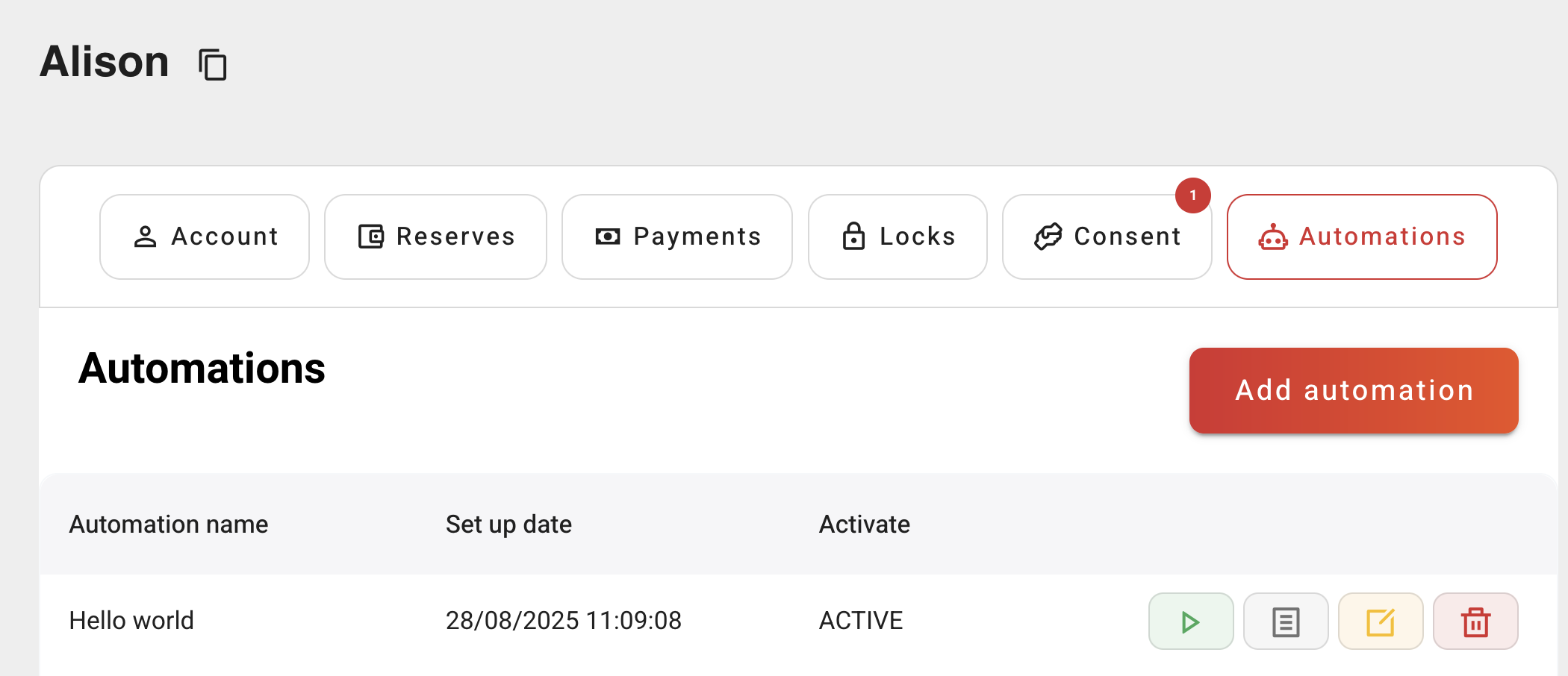
You should see your automation listed as above.
4. Run it
Click the green button to run the automation. Once you are notified that the automation has been run successfully, you should see the results of the execution by clicking on the logs button, beside the green button.